Capture signatures directly within AppCan’s Document Distributor for faster field signing and improved compliance.
Getting PDF documentation digitally signed in the field should be simple. That’s why we’ve introduced Direct Document Signing within AppCan.
Whether it’s RAMS, Toolbox Talks, Work Instructions or any other document requiring proof of understanding or acceptance, users can now review and sign PDFs without leaving the app.
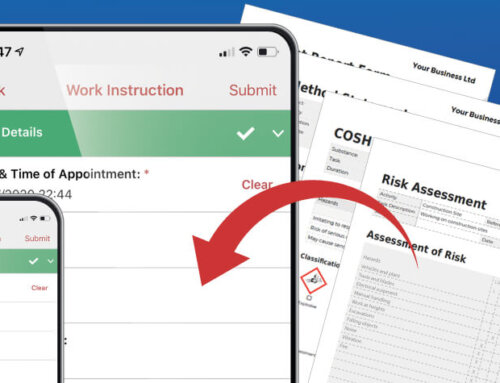
Create bespoke signature panels and link them to your documents. In the field, users simply tap the signature icon to capture their signature, and AppCan automatically applies it to the PDF. Document distribution, review and signature capture are all managed in one place.
Documents can be reviewed and signed on a phone or tablet, whether users are on site or in the office. There’s no need to switch between apps, capture handwritten signatures separately or upload signature image files. Every signature is automatically time- and date-stamped and tagged with GPS location data, providing trusted evidence of when and where it was captured.
Signature data is also available for reporting and analysis, feeding dashboards and compliance reports. Every signed document includes a complete audit trail showing who signed it, what they signed and when, improving compliance, strengthening on-site auditing and providing full traceability throughout your document control process.
The result is a faster, simpler and more reliable way to manage document sign-off in the field, reducing delays, improving visibility and helping keep work moving.